Job Postings Multiposting – How to set a new logo / header image for all jobs in CVdropper?

How to set a new logo / header image for all jobs in CVdropper?

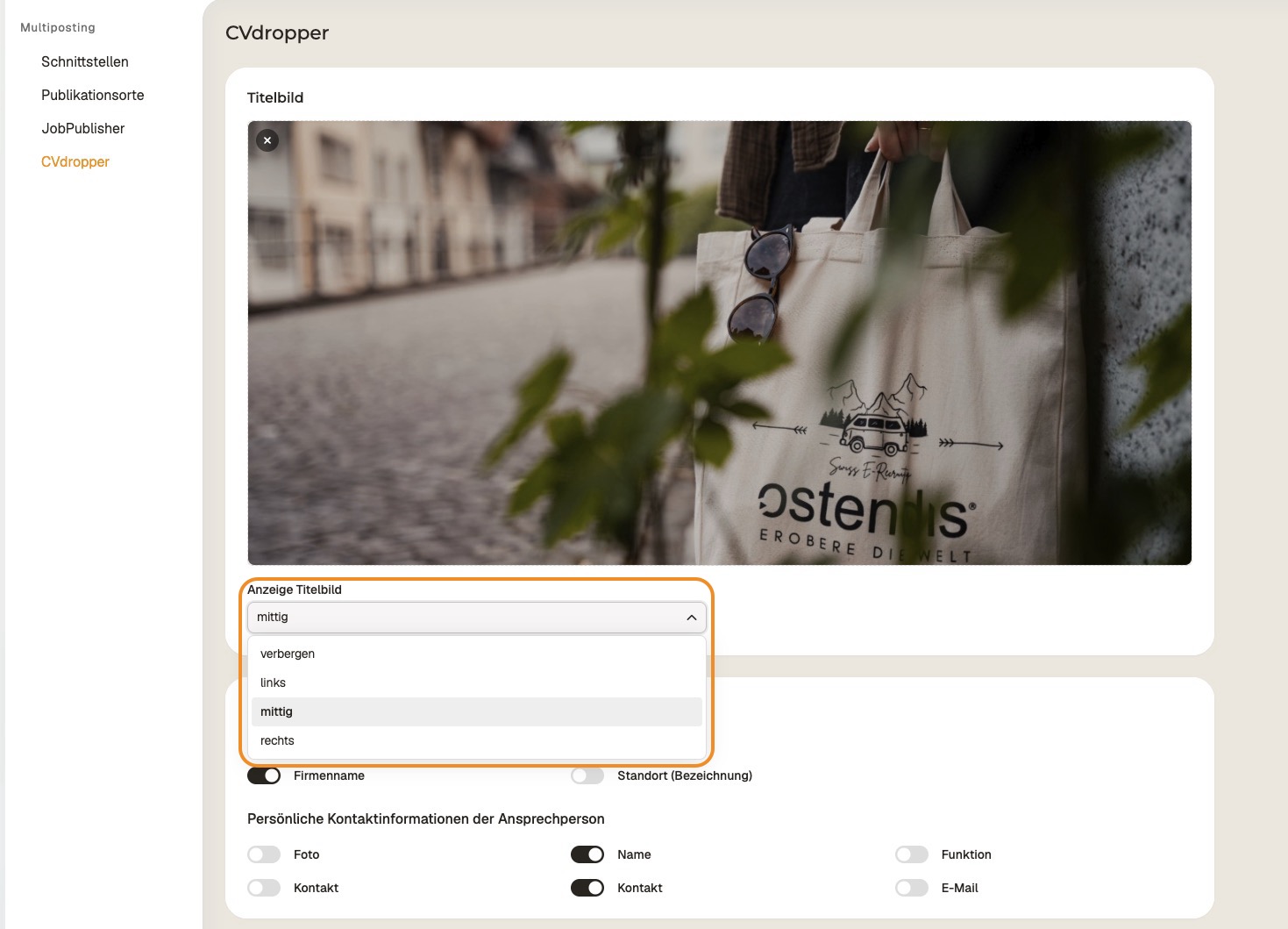
If you want to display a new logo or header image for all your job postings in CVdropper, you can set it centrally in the company settings.

Here's how:

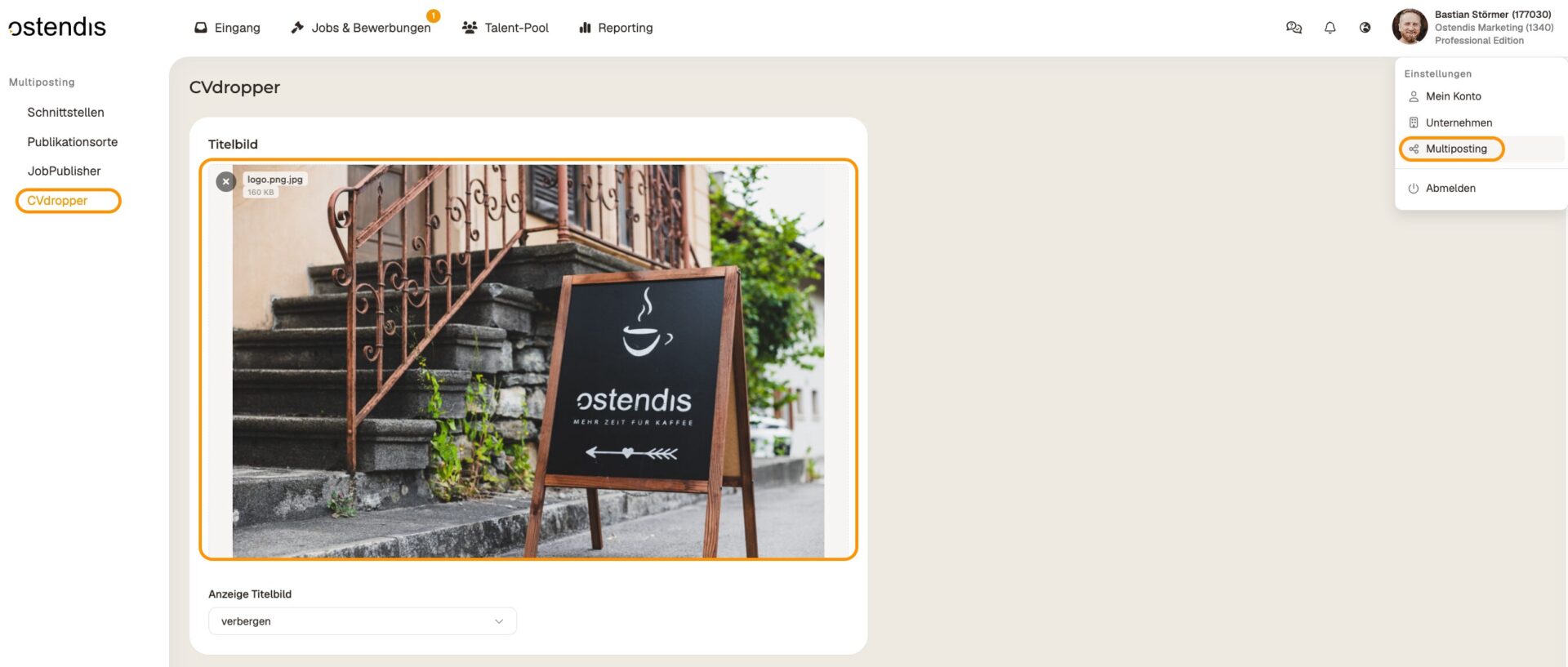
In Ostendis, go to “Multiposting > CVdropper”. Here you can upload a new image, which will then be used for all jobs in CVdropper.

Tip: Ensure a maximum width of 1264 px for optimal display of your image – on both desktop and mobile devices.
Wie hilfreich war dieser Beitrag?

Topic Areas

First Steps
Get Started with Ostendis! Here you'll find everything you need for onboarding.
Account
All information about passwords, users & more related to your Ostendis account.
Job Advertisement & Multiposting
Create and publish your jobs quickly and efficiently.
Application Management
Discover the most important features of Ostendis and optimize your recruiting.
Technical
Solutions for technical questions, system requirements and integrations.
Login Ostendis (ODM)

Topic Areas

First Steps
Get Started with Ostendis! Here you'll find everything you need for onboarding.
Account
All information about passwords, users & more related to your Ostendis account.
Job Advertisement & Multiposting
Create and publish your jobs quickly and efficiently.
Application Management
Discover the most important features of Ostendis and optimize your recruiting.
Technical
Solutions for technical questions, system requirements and integrations.
Login Ostendis (ODM)