
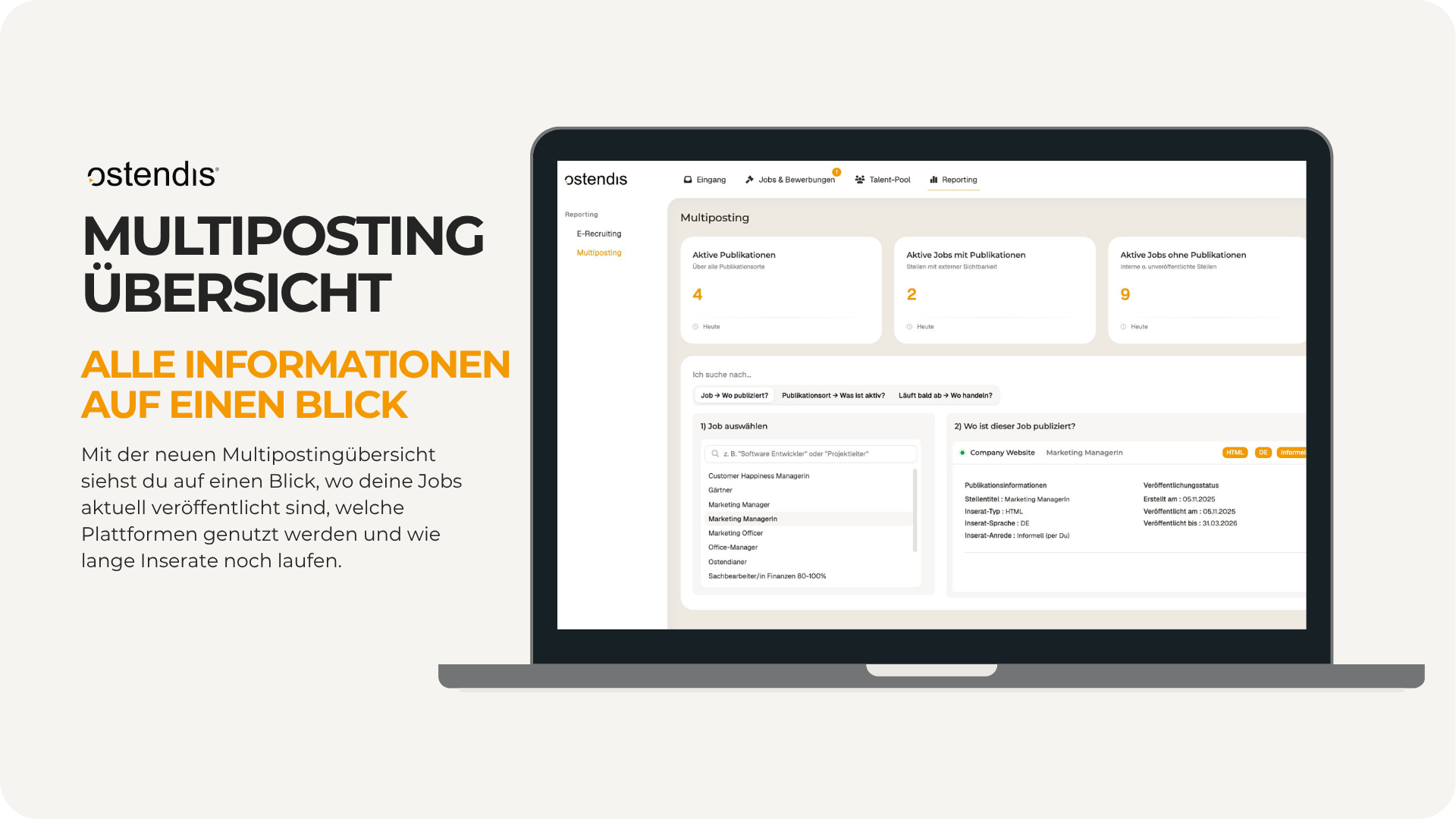
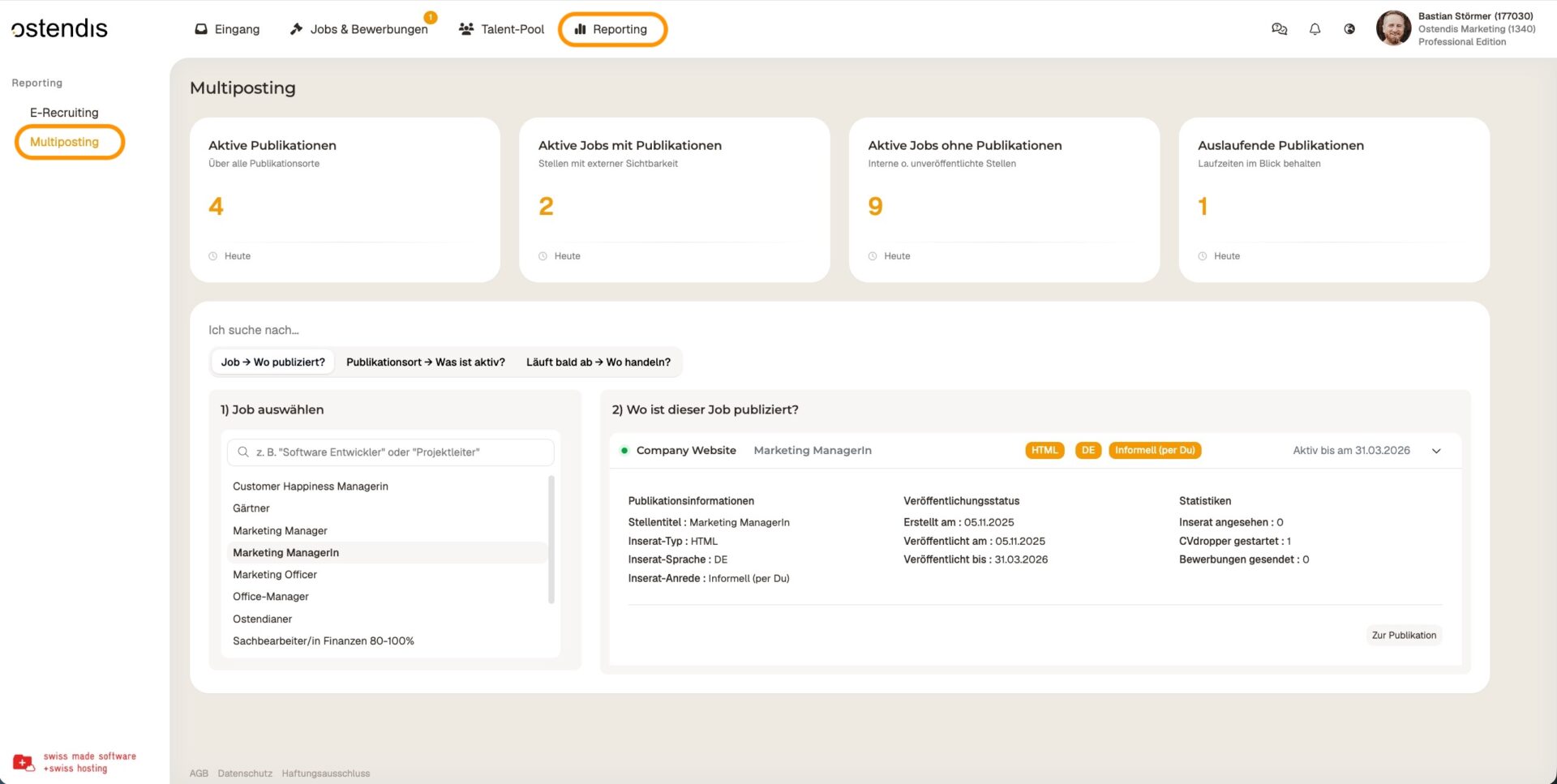
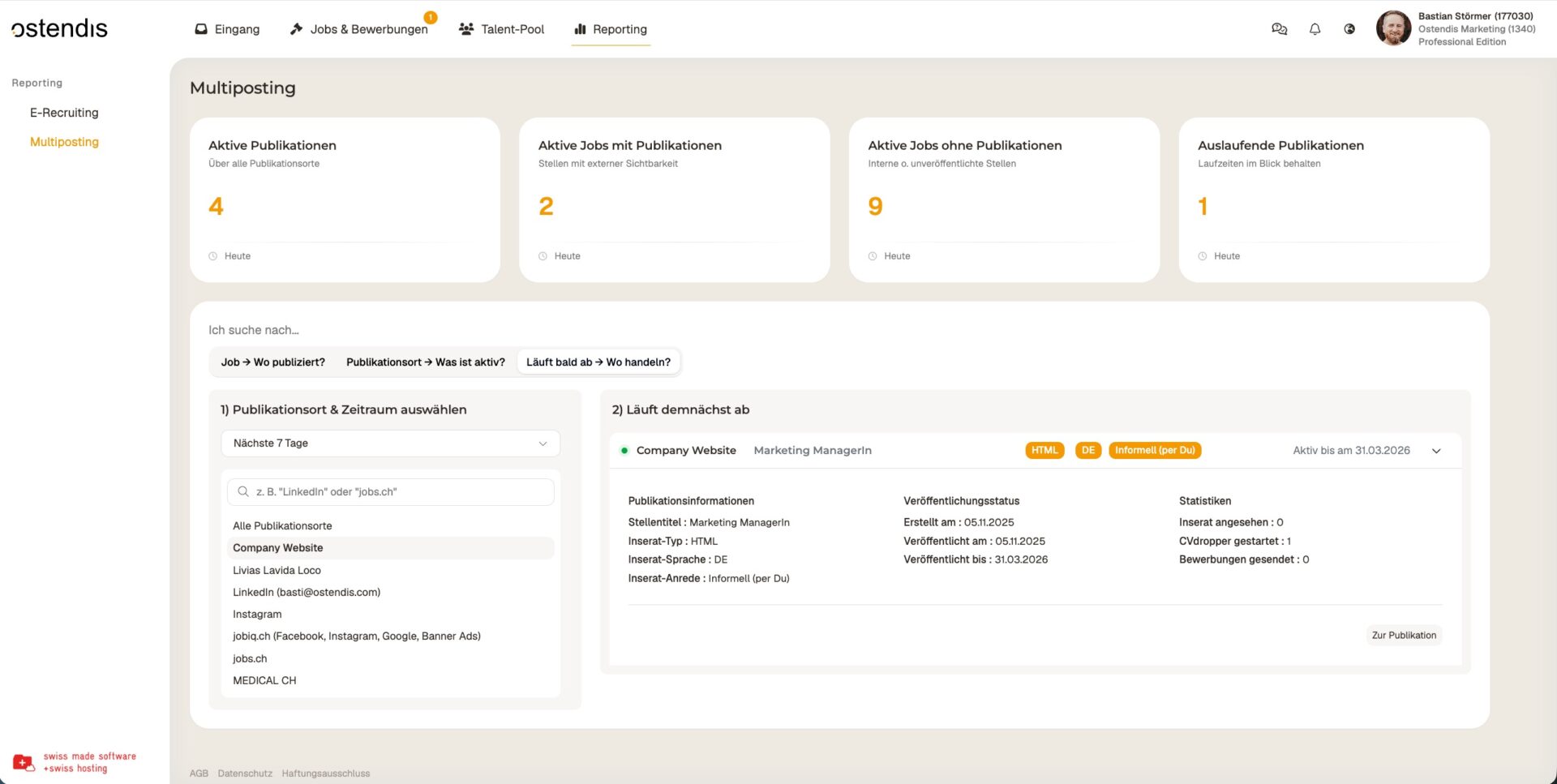
You can find the new Multiposting overview under the “Reporting” tab. On the left, you’ll find the “Multiposting” menu item.
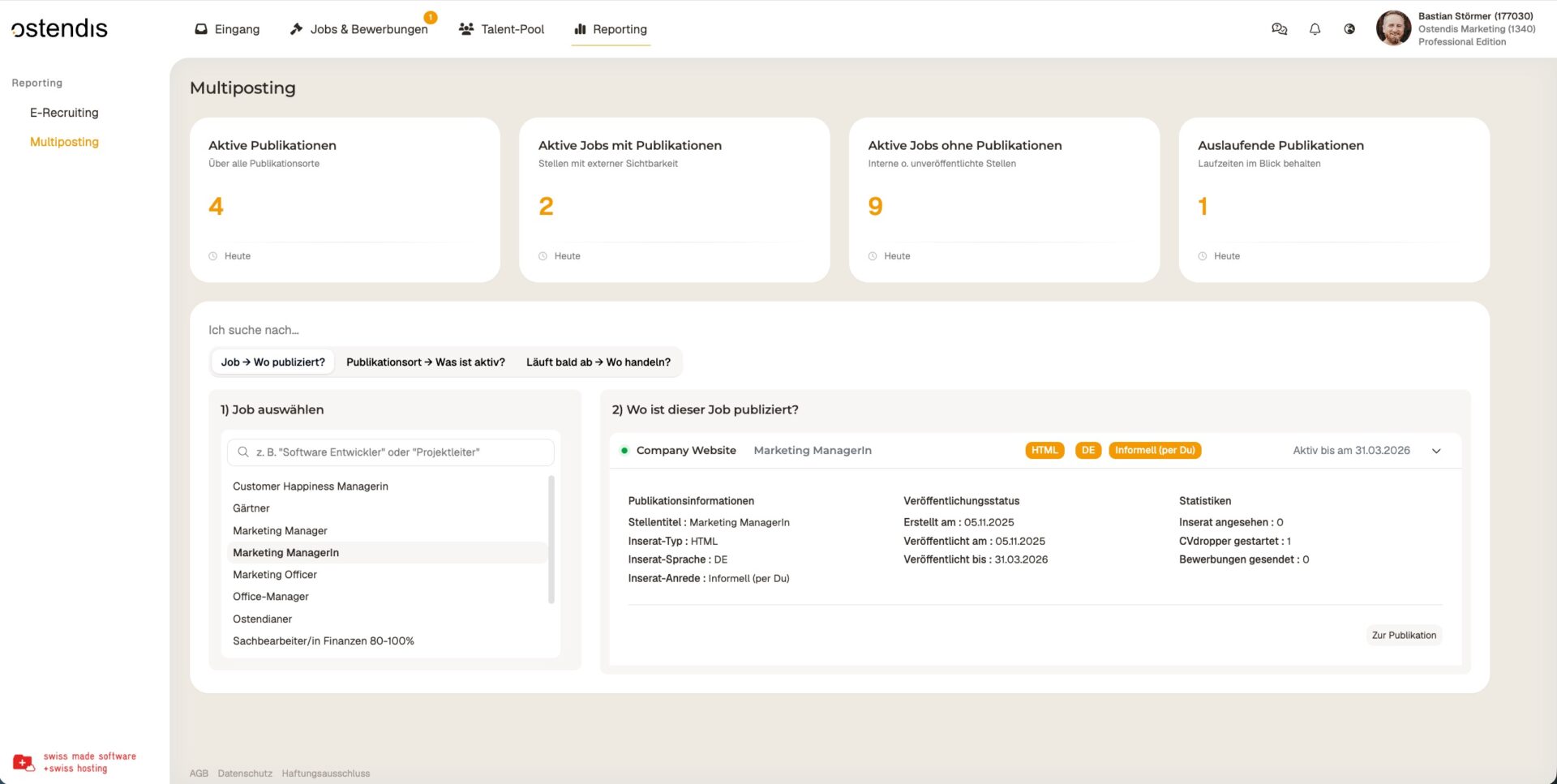
In this overview, you can see at a glance which job is published on which channels.
Simply select the desired job on the left – on the right, you’ll immediately see all publication channels and the most important information about them.
Using the “Go to publication” button, you can jump to the corresponding posting with one click and edit it directly if needed.
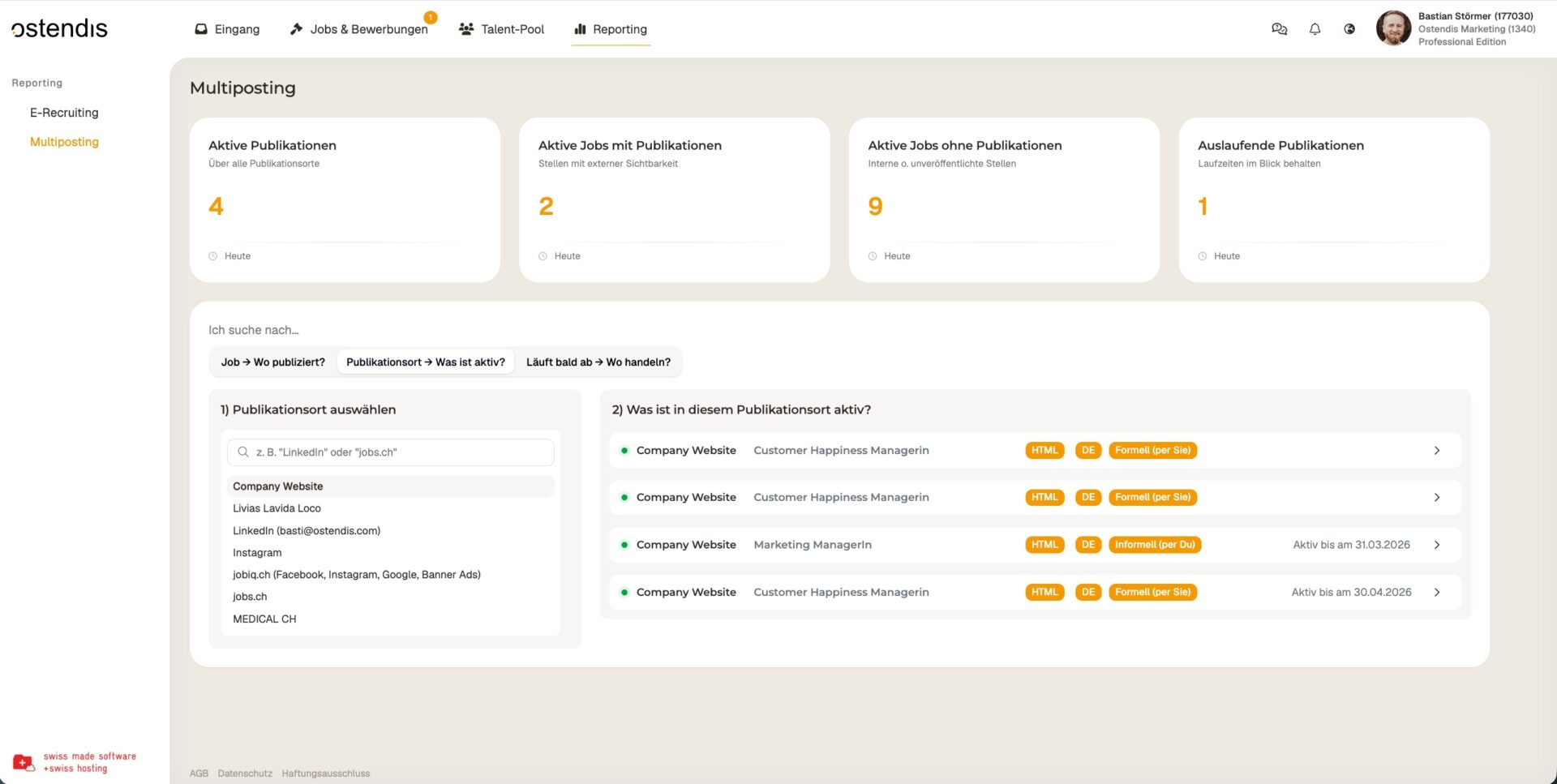
In this overview, you can see at a glance which jobs are published on which platforms.
Simply select the desired publication channel on the left – on the right, you’ll immediately see all jobs that are currently live on that channel.
Here you can see at a glance which publications will expire soon.
This helps you spot early on which postings you should take action on – for example, if a position is still open but the publication is about to end.
Wie hilfreich war dieser Beitrag?
