You can easily customize the JobPublisher yourself to match your company. There are two areas where you can make adjustments: general settings and job-specific customizations.
General settings for the entire JobPublisher
These settings apply to all jobs.
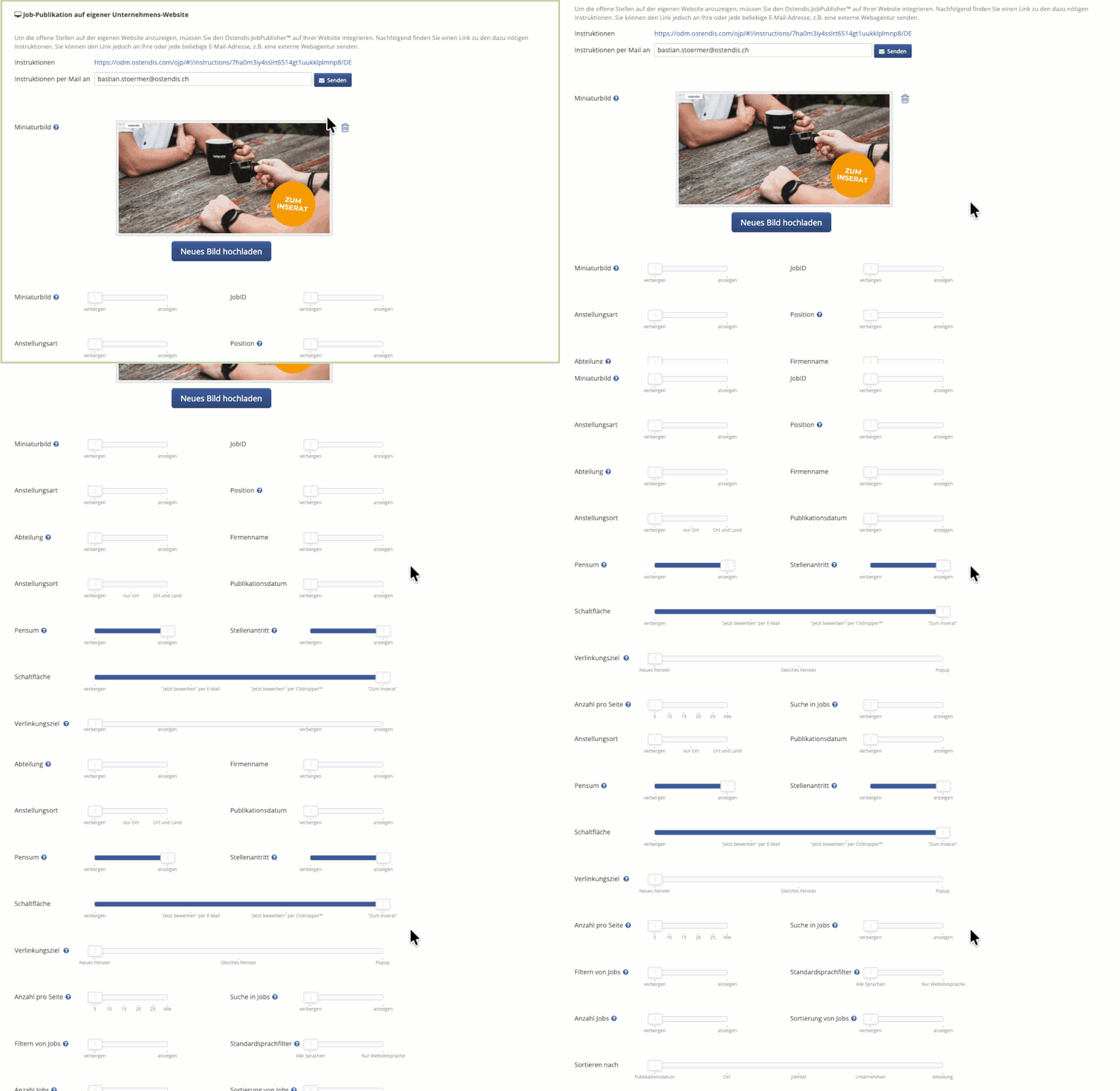
To do this, go to:
Company → Settings → Job Publication on Your Company Website
There you can define:
Which information should be displayed in the JobPublisher
Which elements should be hidden
General layout options that apply to all positions
This ensures that the JobPublisher appears in your company’s corporate design.
Individual customizations per job
If you want to use a custom image or individual teaser text for specific positions, you can do this directly in the job.
Here’s how:
Open the desired job
Click on Job Ads & Publications
Open the job ad using the edit icon
Switch to the Advanced View
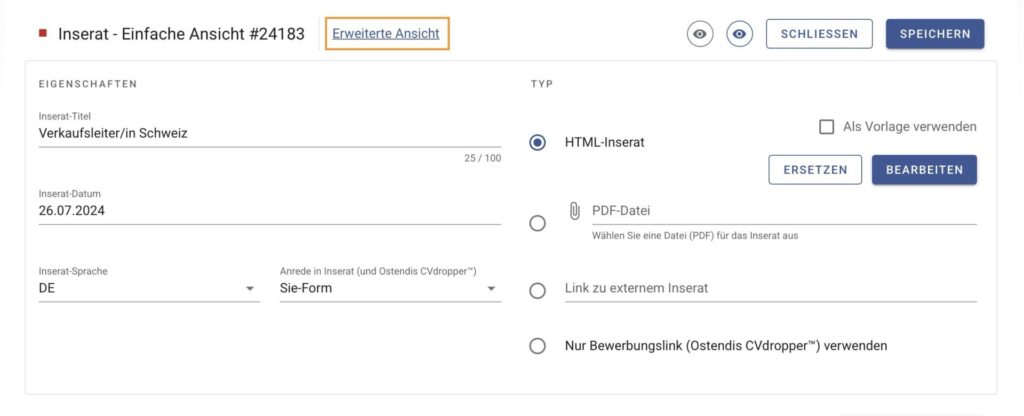
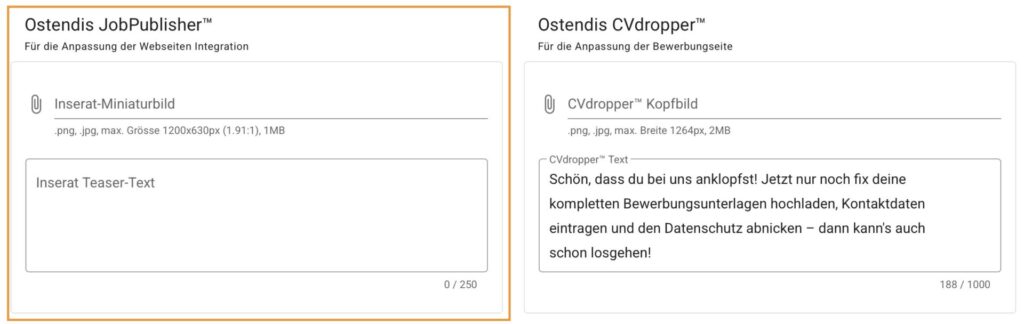
Here you can:
Upload a custom image for this job ad
Enter an individual teaser text
This content will then be used only for this job.
Tip 💡
Combine the general settings with individual job ad customizations to maintain a consistent appearance while still being able to use attractive and specific elements for each position.
Wie hilfreich war dieser Beitrag?