
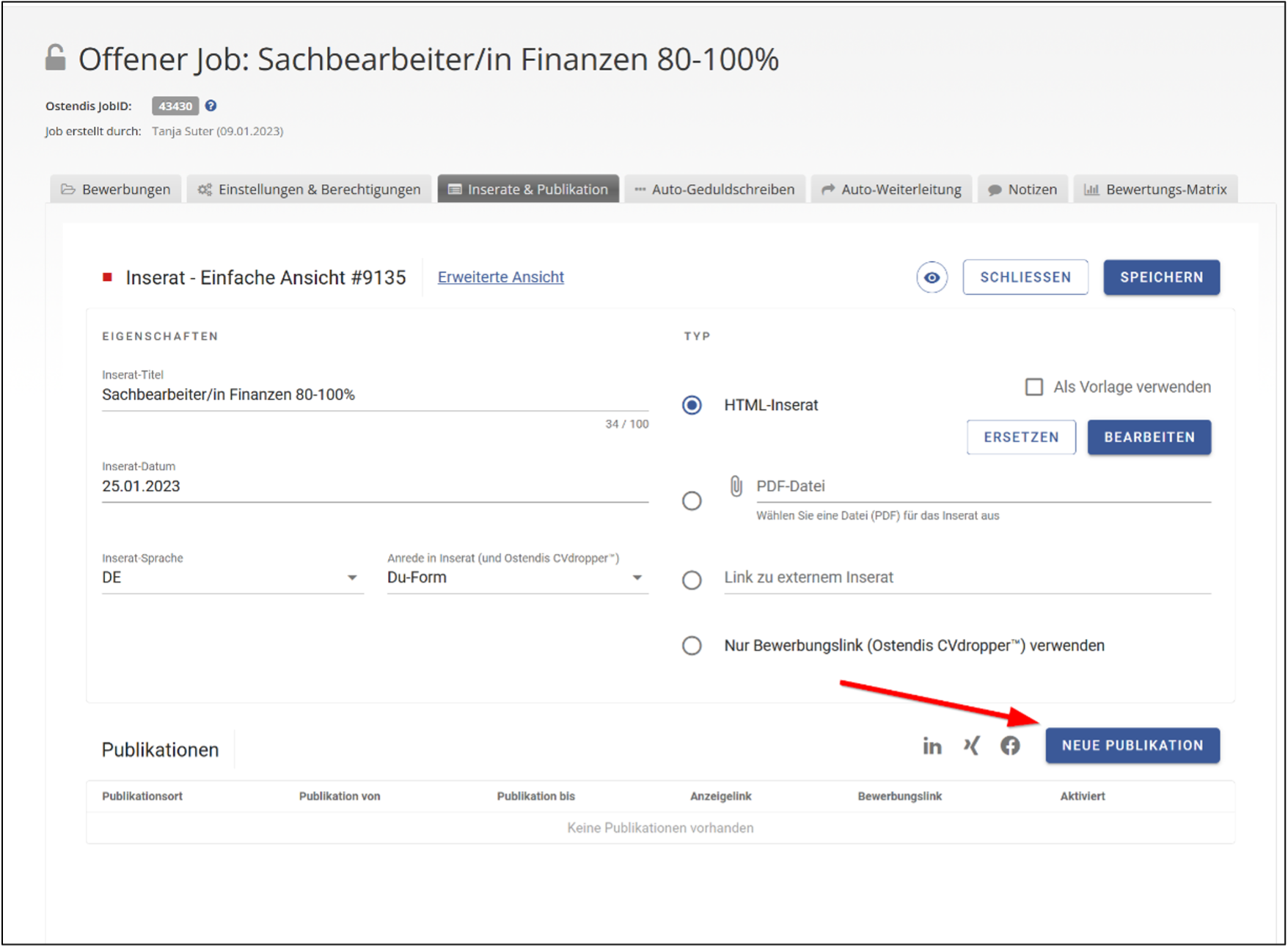
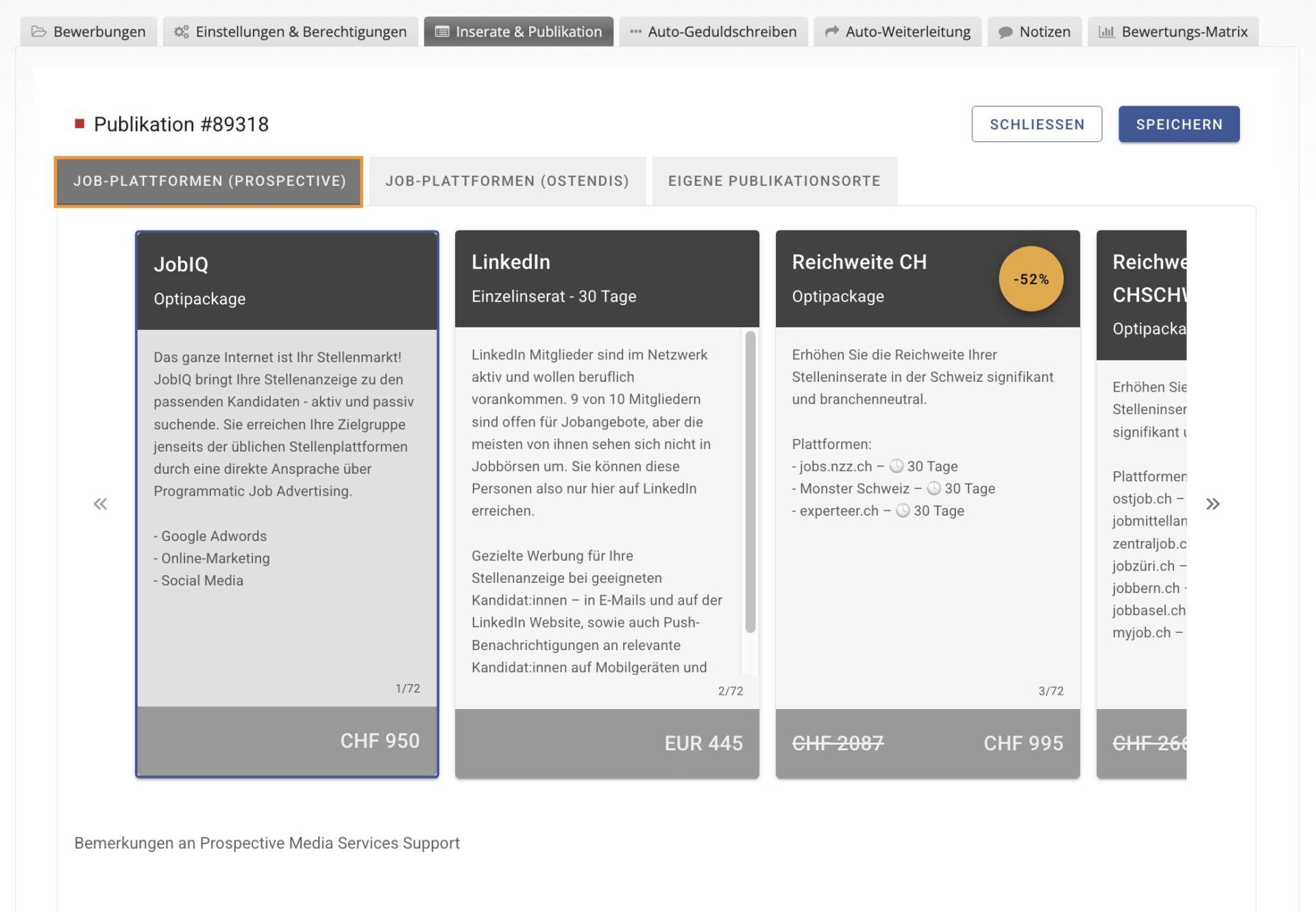
Once the job ad type has been selected, the next step follows: creating and configuring a ‘new publication’.
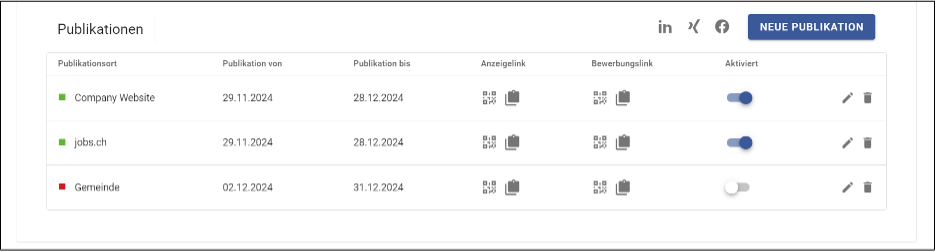
The created publications can be activated and deactivated as desired.
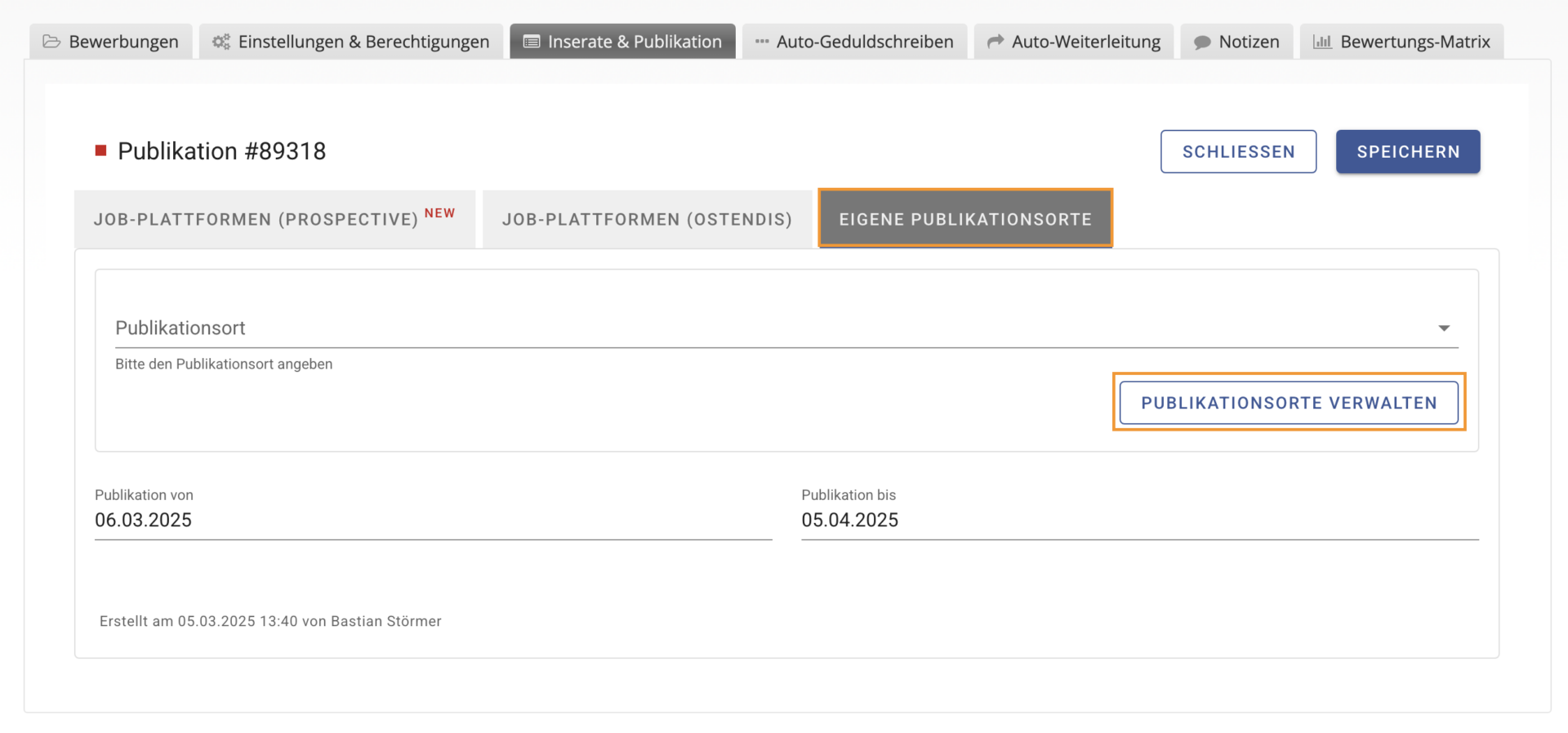
Any number of publications can be created. Under ‘Manage Publication Locations’, you can add or remove your own publication locations.
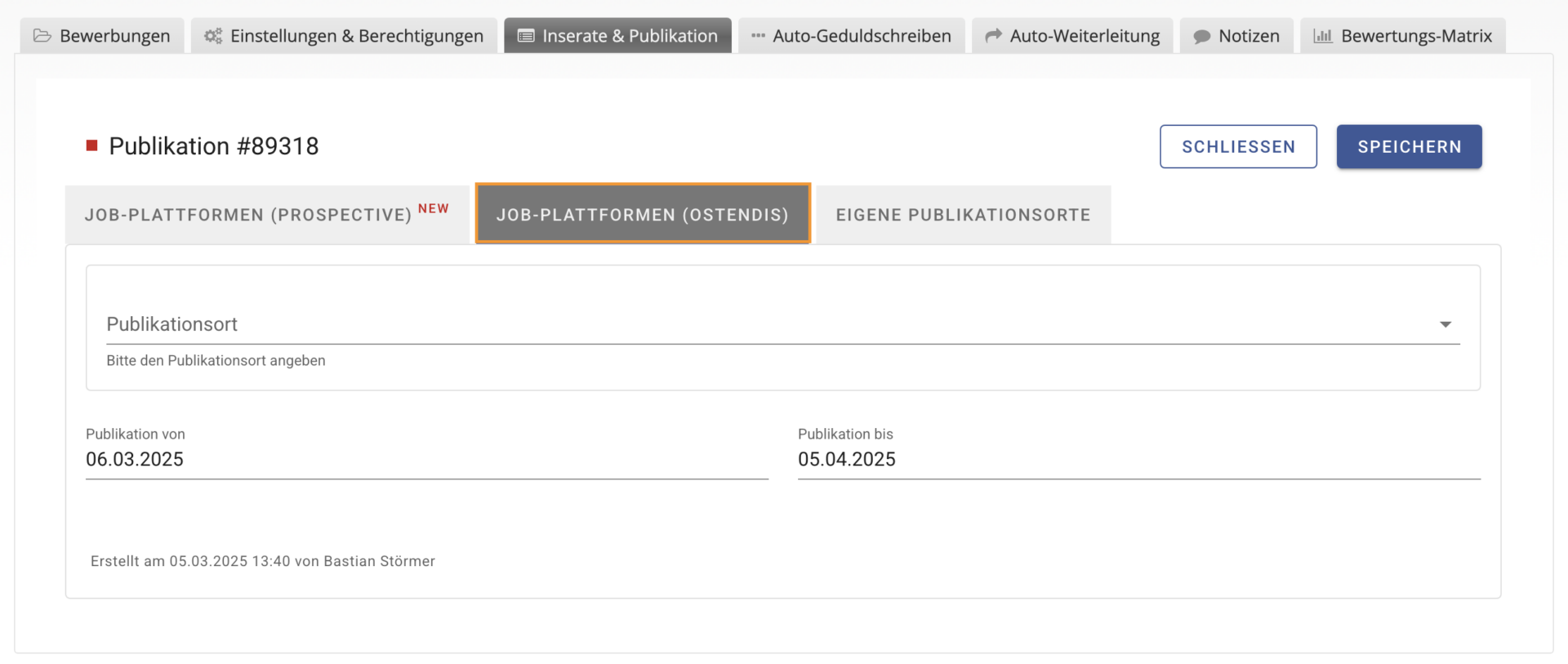
If the interface to our multiposting partners is activated, the job ad can be automatically published on the desired job platforms. The corresponding basic settings can be found in the company settings. A detailed explanation can be found further up in the document.
For this, the active interface must be selected and configured under ‘Job Ad Platforms’. As soon as the publication is activated, the data will be transmitted to the selected platforms.
Under ‘PMS Job Ad Platforms’, you’ll find the interface between Ostendis and our partner, Prospective Media Services AG.
This integration enables a seamless workflow between both systems and ensures that the entire job posting and publication process is more efficient and user-friendly.
Wie hilfreich war dieser Beitrag?
